

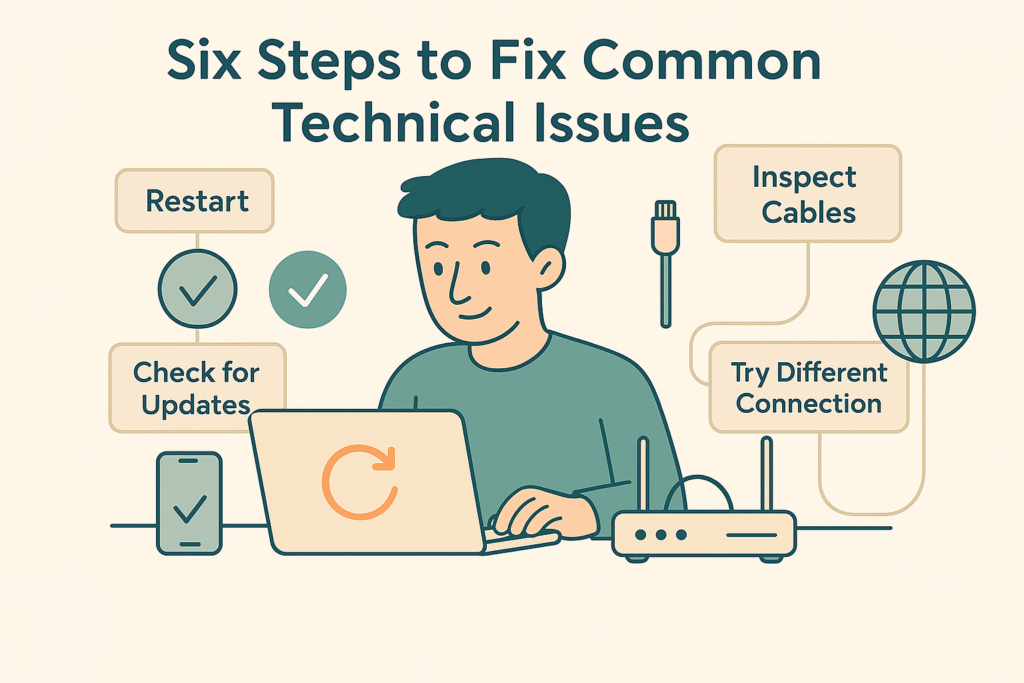
Technical hiccups can happen to anyone, whether it’s a stubborn app, a glitchy browser, or a network that refuses to cooperate. Before calling for help or spending hours troubleshooting, try these six simple steps to get things back on track.
1. Restart Your Device 💻
A classic for a reason: powering off and on again clears temporary files, resets stuck processes, and often resolves minor software glitches. Next time your app freezes or your system feels sluggish, give it a fresh start.
2. Check for Updates ✔
Outdated software can harbour bugs or compatibility issues. Regularly update your operating system, drivers, and applications to ensure you have the latest fixes and performance improvements. Many platforms allow you to enable automatic updates—use this feature to stay current.
3. Try a Different Internet Connection 🌐
If pages won’t load or video calls drop, switch networks. Move from Wi-Fi to a wired Ethernet connection, tether to your phone’s hotspot, or connect to a different Wi-Fi network. This simple change helps you determine whether the issue lies with your device or the internet itself.
4. Inspect Cables and Connections 📶🔌
Loose or damaged cables often masquerade as software problems. Check power cords, Ethernet cables, USB connections, and any adapters. Make sure everything is firmly plugged in and free of visible wear or kinks.
5. Restart Specific Services or Processes 😤⚙
Sometimes a full reboot isn’t necessary—just restart the problematic service. On Windows, open Services (Win + R → services.msc) to restart networking or print spool services. For macOS or Linux, use the terminal (sudo systemctl restart <service>) to reset only the affected daemon.
6. Switch to an Alternative App or Browser 👽🤖
Is a website stubbornly refusing to load, or is an app continuously crashing? Try a different browser (e.g., switch from Chrome to Firefox) or use an alternative app. If the issue disappears, you’ve isolated the problem to that specific software, allowing you to troubleshoot or report it more effectively
When to Call for Help😣📞
If you’ve gone through these steps and the issue persists, it’s time to consult documentation, reach out to support forums, or contact your IT department. By narrowing down the cause, you’ll be able to describe the problem clearly and get back on track faster